
Team · Time clock
Store time clock: the hours actually worked
The Nalyx Time clock block records the hours actually worked by a store's team. Employees clock in on a terminal installed in the store; Nalyx compares each clock-in with the rota, spots late arrivals and sets aside anything that needs approval. The manager sees who is in, live.
Updated on
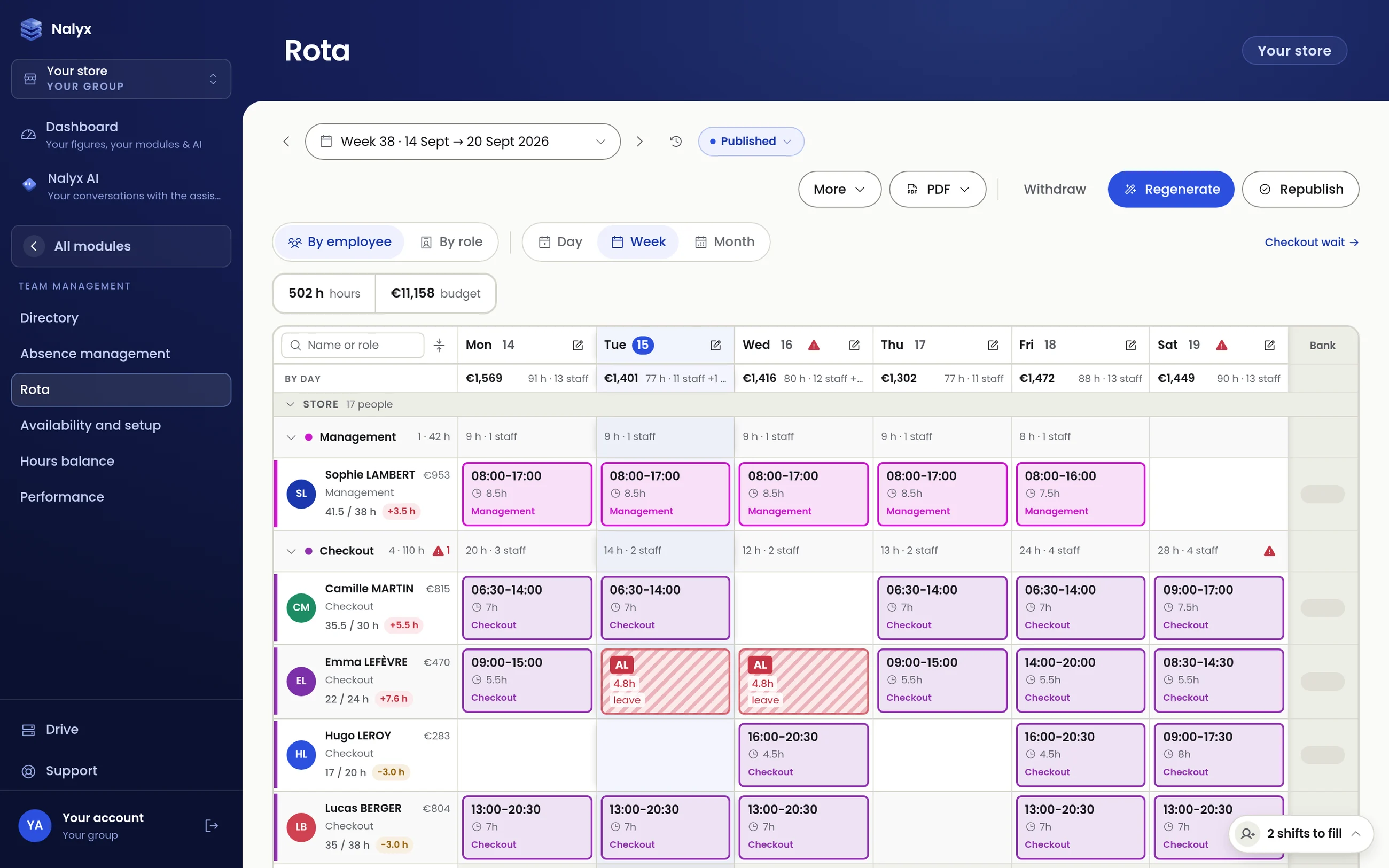
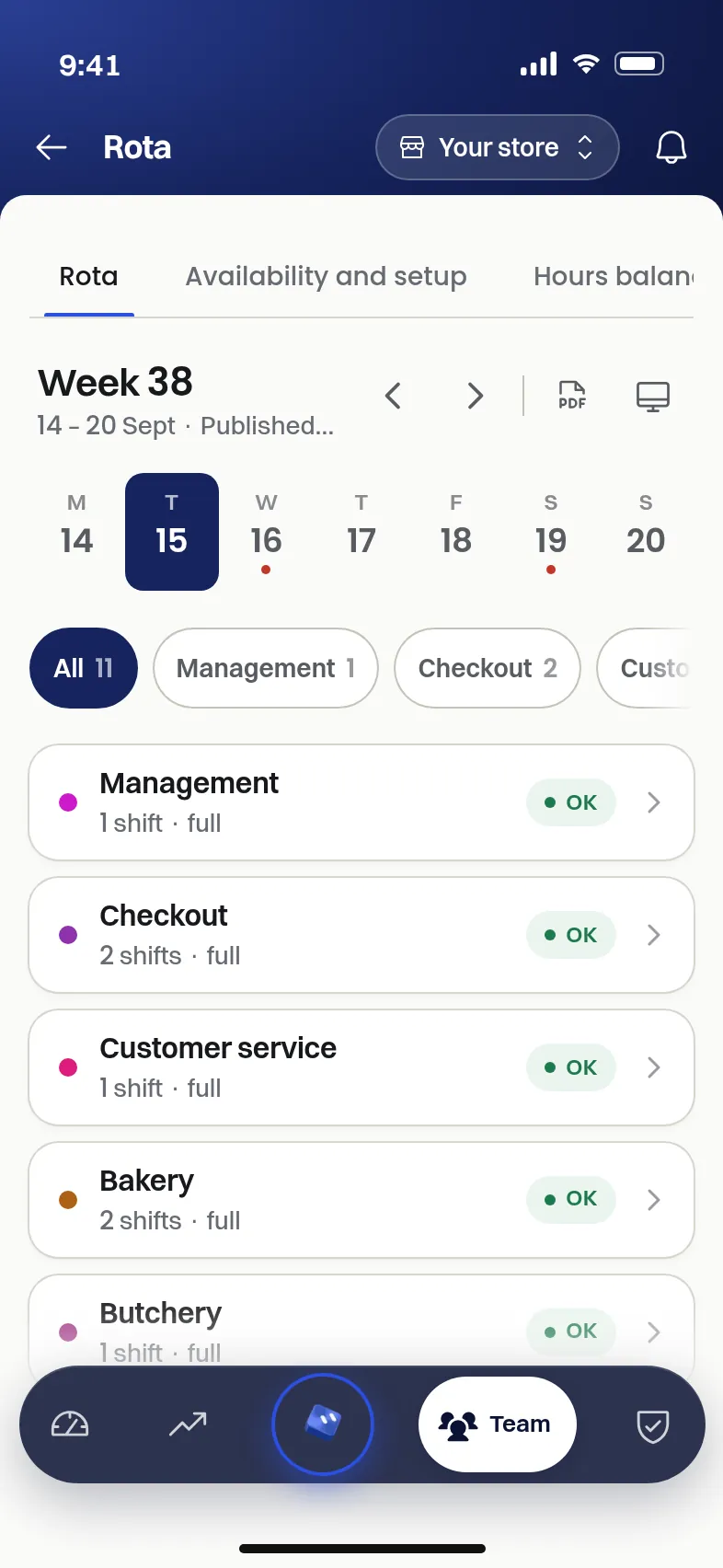
Screenshots of the application, sample data.
The in-store terminal
The terminal is a tablet placed in the store. The employee picks their name and types their personal code. A photo is taken at clock-in: Nalyx only checks that the photo is not black and that a face appears in it, without recognising the person. A doubtful photo moves the clock-in to “to approve”.
The terminal keeps working if the connection drops: clock-ins are kept and sent once the network is back.
On Android or on iPad
On an Android tablet, the terminal is a dedicated Nalyx app (Android 8 or later). On an iPad, the terminal is a web app added to the home screen. Clocking in from an employee's personal phone is switched off by default; it can be enabled store by store.
What the manager sees
- Today: who is in, live.
- To approve: forgotten, doubtful or unscheduled clock-ins.
- Timesheet: each person's hours, day by day.
- Hours beyond contract: what goes over, before the end of the month.
- Month-end close: hours finalised, ready for reporting.
Late arrivals and actual hours
Each clock-in is compared with the shift planned on the rota. A late arrival shows up the same day, and actual hours feed the hours counter, the wage share and the payroll estimate. What the rota planned and what was worked are shown side by side.
Nalyx Team: for checking, never for clocking in
Employees check their clock-ins and hour counters in Nalyx Team, on their phone. Clocking in itself happens at the in-store terminal.
FAQ
Which device should the time clock run on?
On a tablet in the store: an Android tablet with the Nalyx clocking app, or an iPad with the web app added to the home screen.
Does the time clock work without internet?
Yes. The terminal keeps clock-ins when the connection drops and sends them once the network is back.
Is the clock-in photo used to recognise employees?
No. Nalyx only checks that the photo is not black and that a face appears in it. No facial recognition is carried out.
Go further

Thirty minutes,
on your store.
We open your order guides, your departments, your rota. You leave with a figures-based reading of what Nalyx would change for you.
Reply within 24 working hours, from a human. No reselling, no mailing lists.