
Profitability · Merchandising
Promotions and departments: what goes on every shelf
The Nalyx Merchandising block brings together the supermarket's promotions and departments. Nalyx imports the head office's promotional operations with a quantity forecast, suggests a featured display plan, and matches the banner's official planograms against what sells in the store. The owner approves, line by line.
Updated on
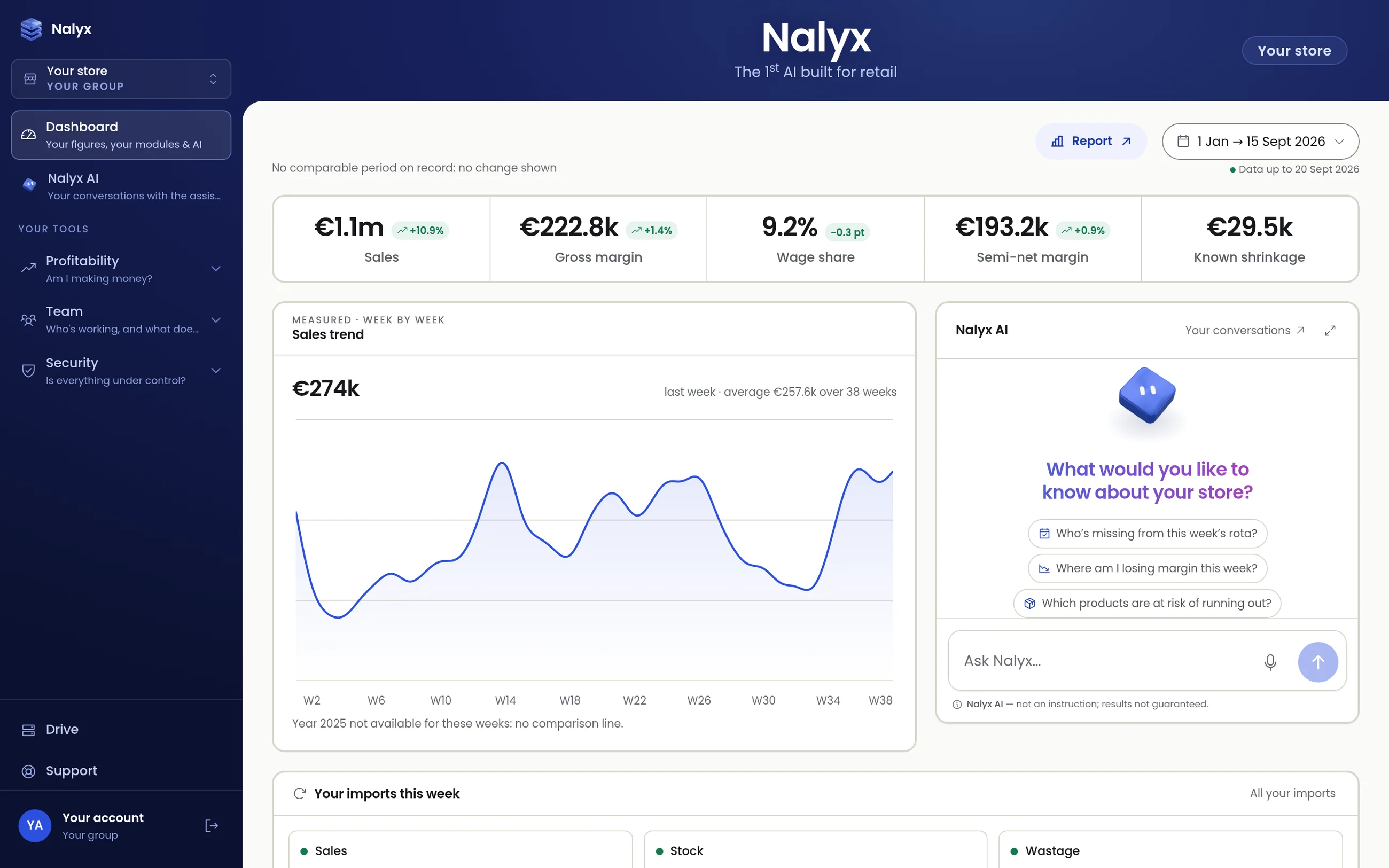
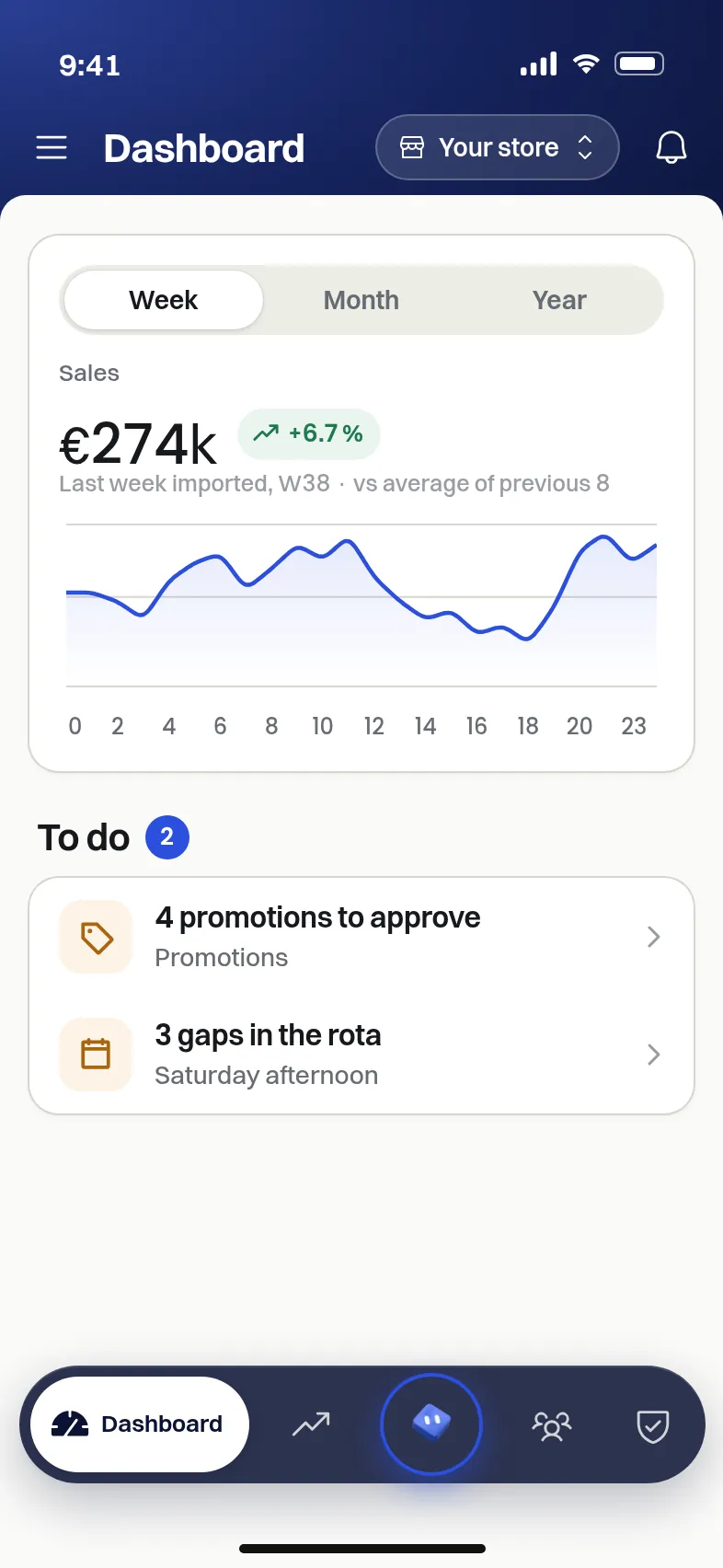
Screenshots of the application, sample data.
Approving promo week
Before each promotion, Nalyx imports the head office's promotion file. Next to the quantity suggested by the file, a Nalyx forecast column gives the quantity calculated from your past sales. You set the approved quantity, line by line.
Featured displays
Featured display covers the store's gondola ends and promotional spaces. Nalyx featured display suggests a ready-filled plan based on the busiest zones and on each product's margin, stock turn and losses. The plan stays editable: it is a suggestion, not a decision.
Head-office planograms
The banner's official planograms are linked to their department. Department management puts what head office planned side by side with what actually sells in your store. The planogram catalogue lets you find a plan and its width in linear metres.
- Official (head office): the planogram as the banner publishes it.
- Nalyx suggests: adjustments suggested from your sales.
- Catalogue: all the store's planograms, department by department.
Why bring promotions and departments together
A badly sized promotion ends up as wastage or an out-of-stock; a badly laid-out department ties up stock that does not turn. Merchandising handles both together because both are decided on the same question: what deserves this space, this week, in this store?
Decisions stay with the store: Nalyx suggests quantities and a plan, the manager approves them, and the heatmap from the Security block informs the choice of locations once entrance counting is installed.
FAQ
Does Nalyx suggest quantities for promo week?
Yes. Next to the quantity in the promotion file, Nalyx shows a forecast calculated from your past sales. You approve the quantity line by line.
Which planograms does Nalyx use?
The official planograms that the banner publishes for its stores, linked to their department and compared with your actual sales.
Is the Nalyx featured display applied automatically?
No. Nalyx suggests a pre-filled plan; you edit it and you decide. Nothing changes without your approval.
Go further

Thirty minutes,
on your store.
We open your order guides, your departments, your rota. You leave with a figures-based reading of what Nalyx would change for you.
Reply within 24 working hours, from a human. No reselling, no mailing lists.