
Security · Camera management
Managing the store's CCTV cameras
The Nalyx Camera management block shows what the store's cameras see, live, on desktop and on phone. Nalyx also monitors the state of the cameras: a camera that is black, moved or out of focus is spotted before the day you need its footage. Each person only sees the cameras for their role.
Updated on
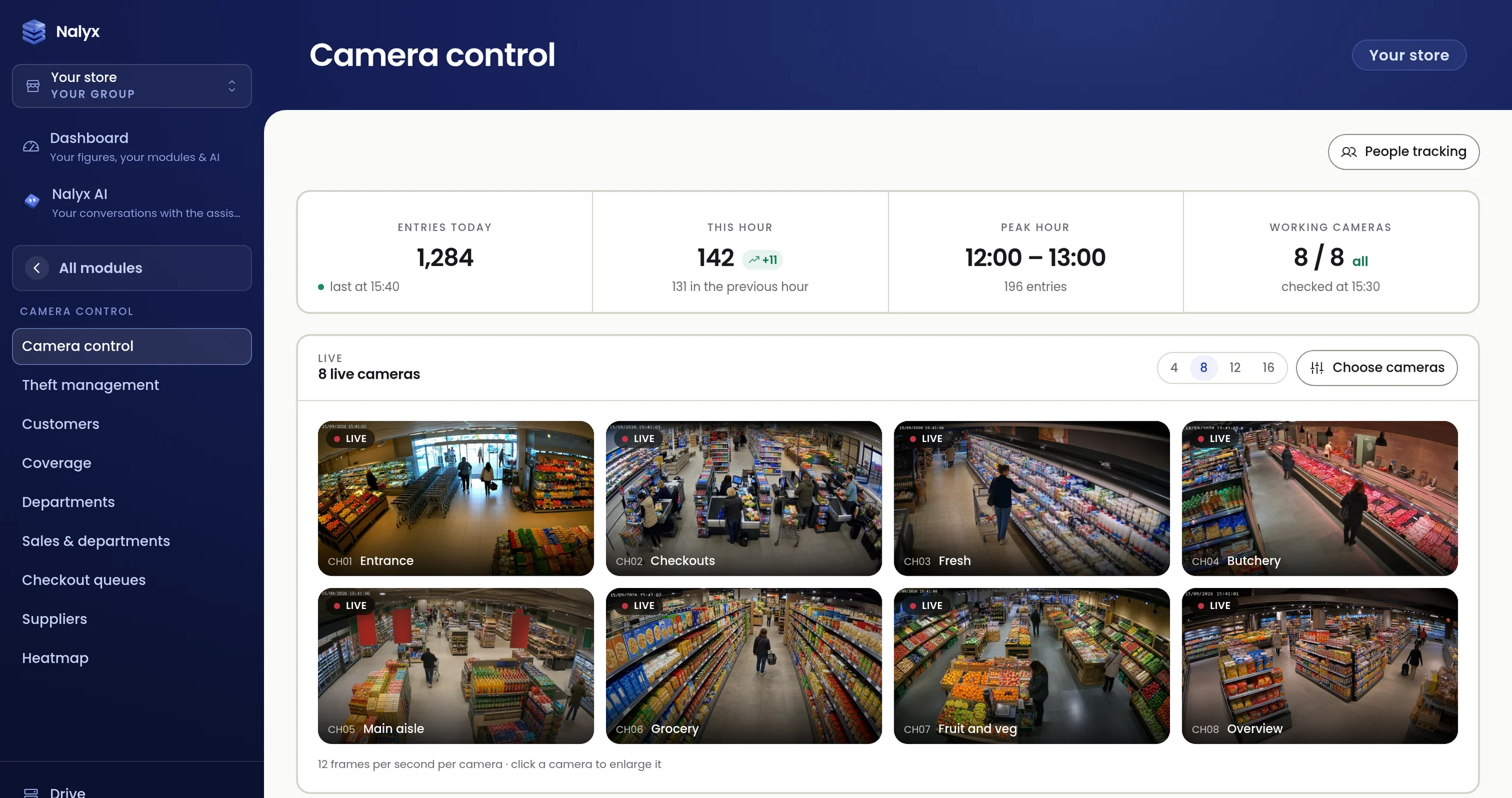
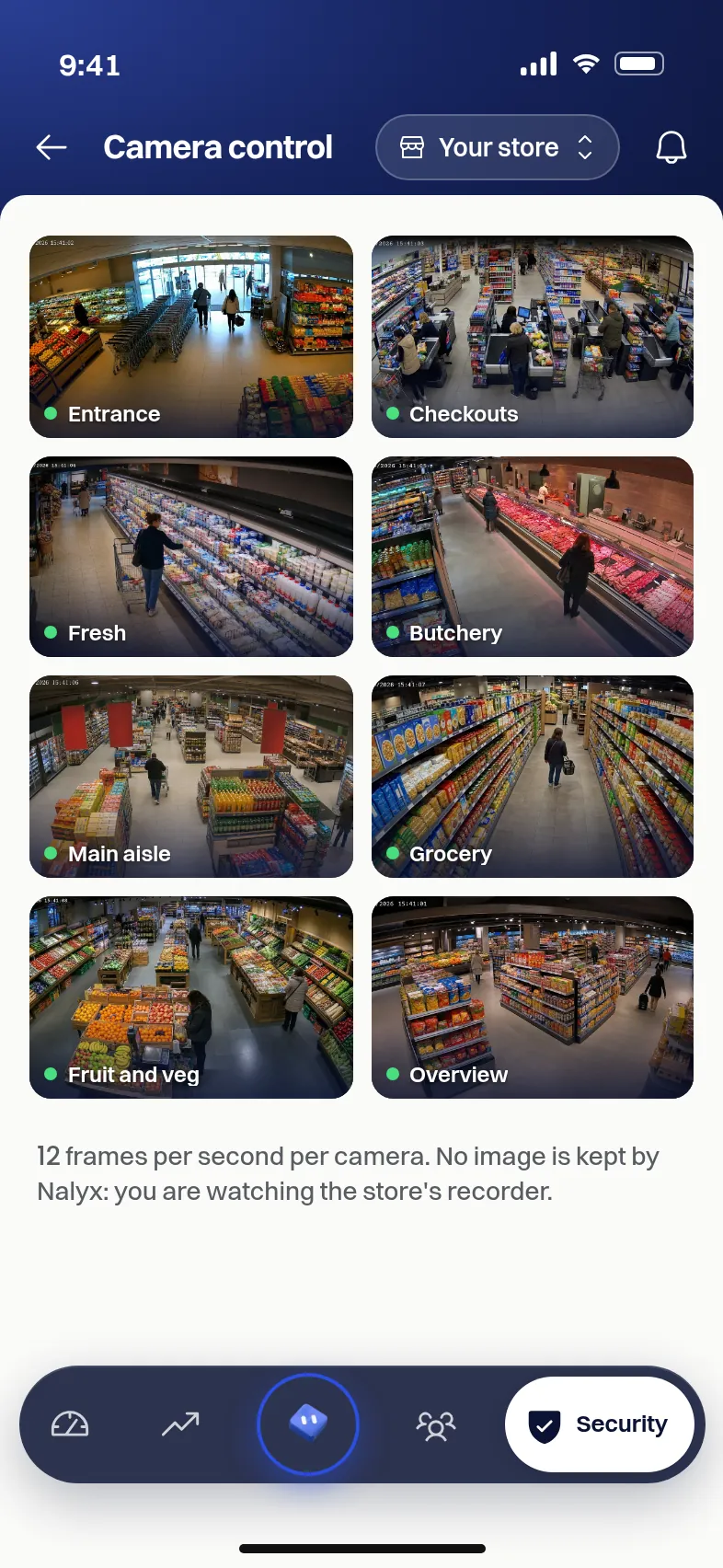
Screenshots of the application, sample data.
The live wall
The wall shows up to eight live cameras, on desktop as on phone. One gesture enlarges a view. At the top of the screen: today's entries, footfall this hour, peak hour and the number of cameras online.
Camera health
A camera can stop being useful without anyone noticing: a covered lens, a black image, lost sharpness, a camera knocked out of position. Nalyx checks each camera and flags the ones that no longer show what they should. The check is run by the engine installed in the store.
Role-based access
When the account is opened, the owner decides who sees what. Managers access the views for their role; some pages, such as equipment quotes, stay reserved for the owner. An employee sees no cameras.
Location and coverage
Each camera is placed on the store plan with its angle and range. The Coverage view shows the areas in view and the blind spots, to decide where to add or move a camera.
What Nalyx does not do
- Record sound.
- Analyse footage on a remote server: the analysis runs on a computer installed in the store.
- Show one store's cameras to another customer.
FAQ
How many cameras can I see at once?
The live wall shows eight cameras by default, on desktop and on phone; one gesture enlarges a view.
How do I know a camera is no longer filming properly?
Nalyx checks the health of each camera (black or uniform image, lost sharpness, moved camera) and flags the ones that no longer show what they should.
Who can see the cameras?
The owner, and the managers the owner grants access to, according to their role. Employees see no cameras.
Do I need to change the store's cameras?
Nalyx connects to the cameras and recorder already in place. The on-site audit checks the installation before the roll-out and says, where needed, which camera to move or add.
Go further

Thirty minutes,
on your store.
We open your order guides, your departments, your rota. You leave with a figures-based reading of what Nalyx would change for you.
Reply within 24 working hours, from a human. No reselling, no mailing lists.